

Your First Ride


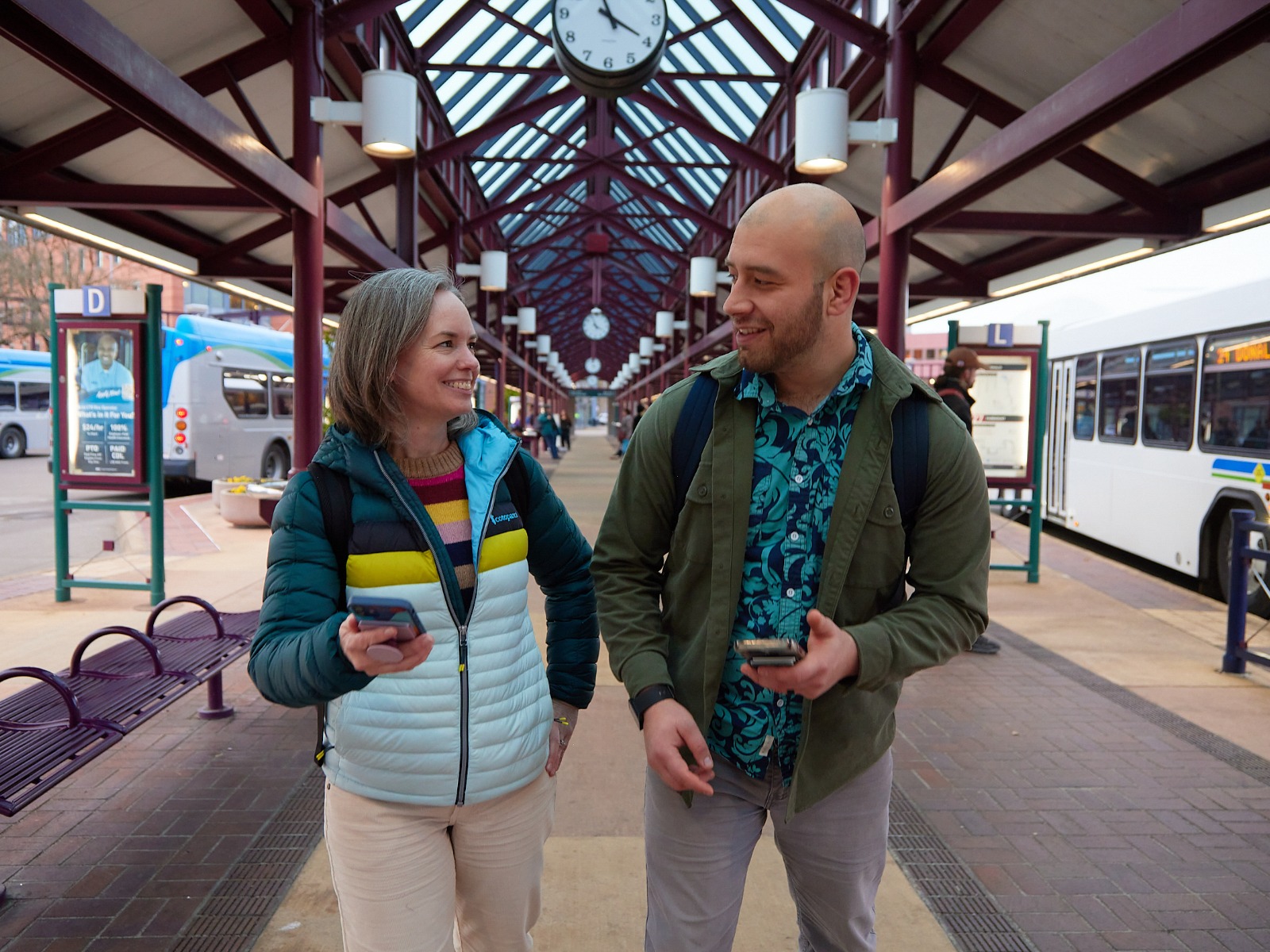
Riding the bus is a great way to explore the area or gain a new perspective on familiar places. While learning something new can feel a bit uncertain, LTD is designed to be straightforward and accessible.
If it’s your first time riding, you might have a few questions like…
- How do I know which bus to take?
- How do I pay for my ride?
- How do I make sure I don’t miss my stop? (and what if I do miss my stop?!)
- Does the bus stop at every stop?
- Is the bus safe?
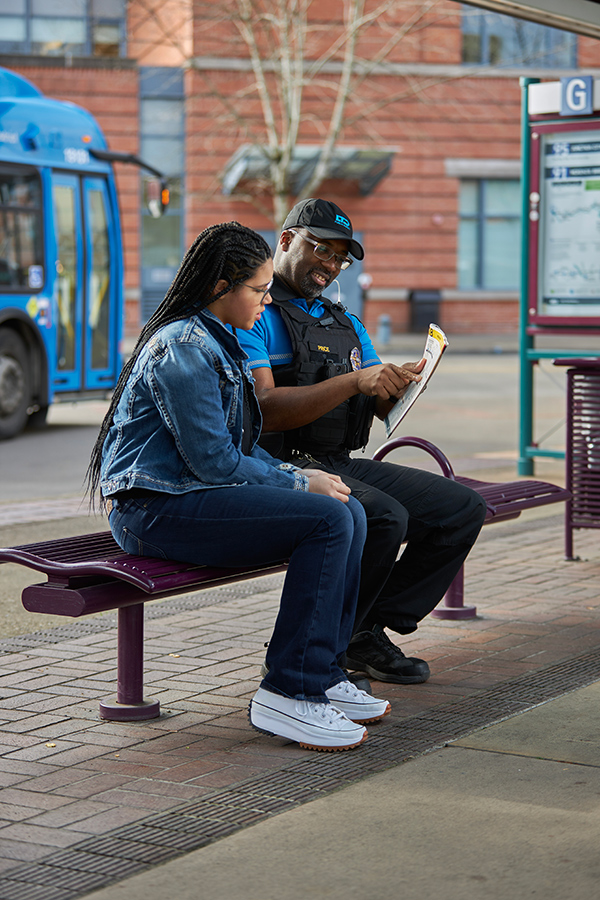
When you’re ready to take your first ride, follow this guide. LTD is here to support you each step of the way and help you ride with confidence. Still have questions? Talk to a customer service representative, bus operator, or public safety officer. Our friendly staff are here to help so you can enjoy the ride.
Prep Like a Pro
Planning ahead helps you have a smooth bus ride. Before you leave for the bus stop, take a moment to look at LTD’s system map, read the rules for riding, and plan your trip.
Use LTD’s online trip planner on the home page, Transit app, or your favorite map app. When planning your trip think about:
If you want to talk through your trip plan, talk to Customer Service. We’re happy to help plan a trip with you.

Transit App Tip
Set your walking speed in your settings for more accurate travel times or tell Transit to show step-free and less-step trips first.
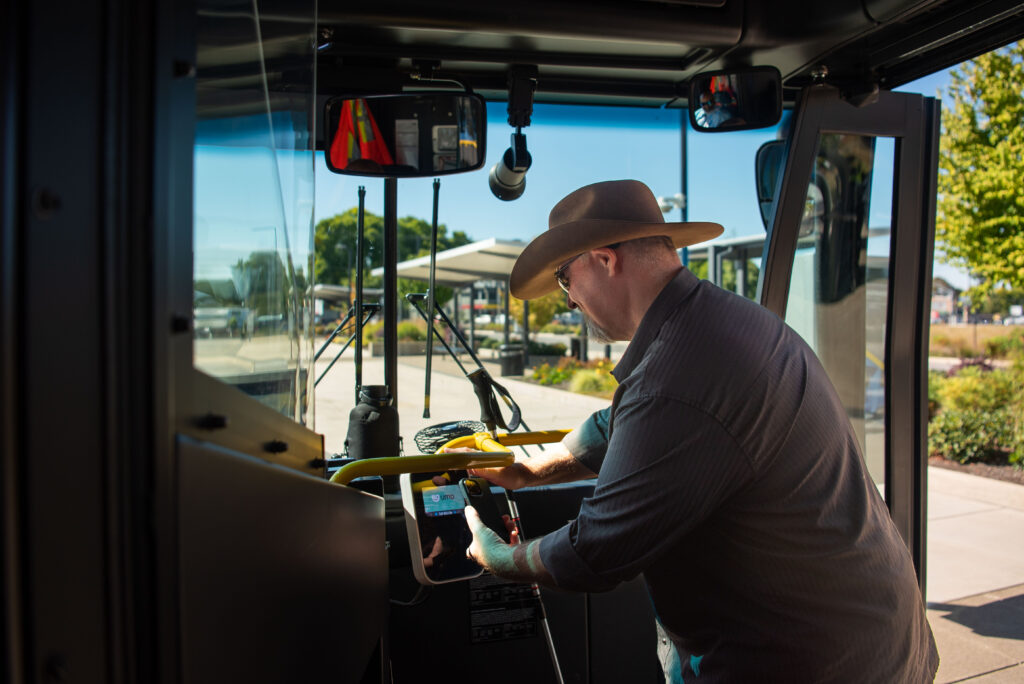
Now is a good time to decide how you’ll pay fare, too. Look at our Fares & Passes for an option that works for you.
Have your fare ready before you get to the bus stop for easy boarding. The bus operator appreciates it and you’ll look like a pro.

Pro Tip
Download the Umo app to pay fare for quick and easy boarding.
We recommend arriving at your bus stop at least 5 minutes before the bus’s scheduled departure time.
Transit App Tip
Use Go mode to get notifications when it’s time to leave for the bus stop.
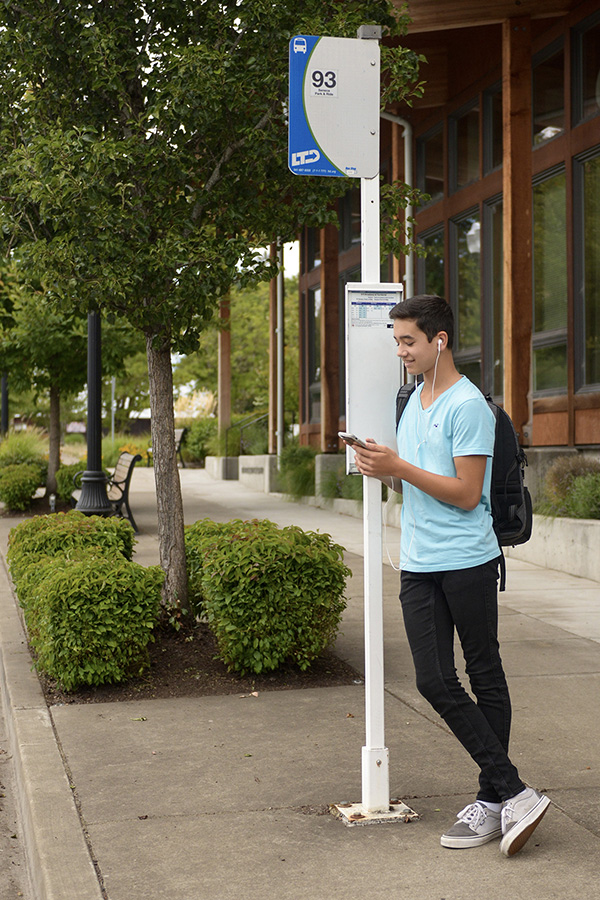
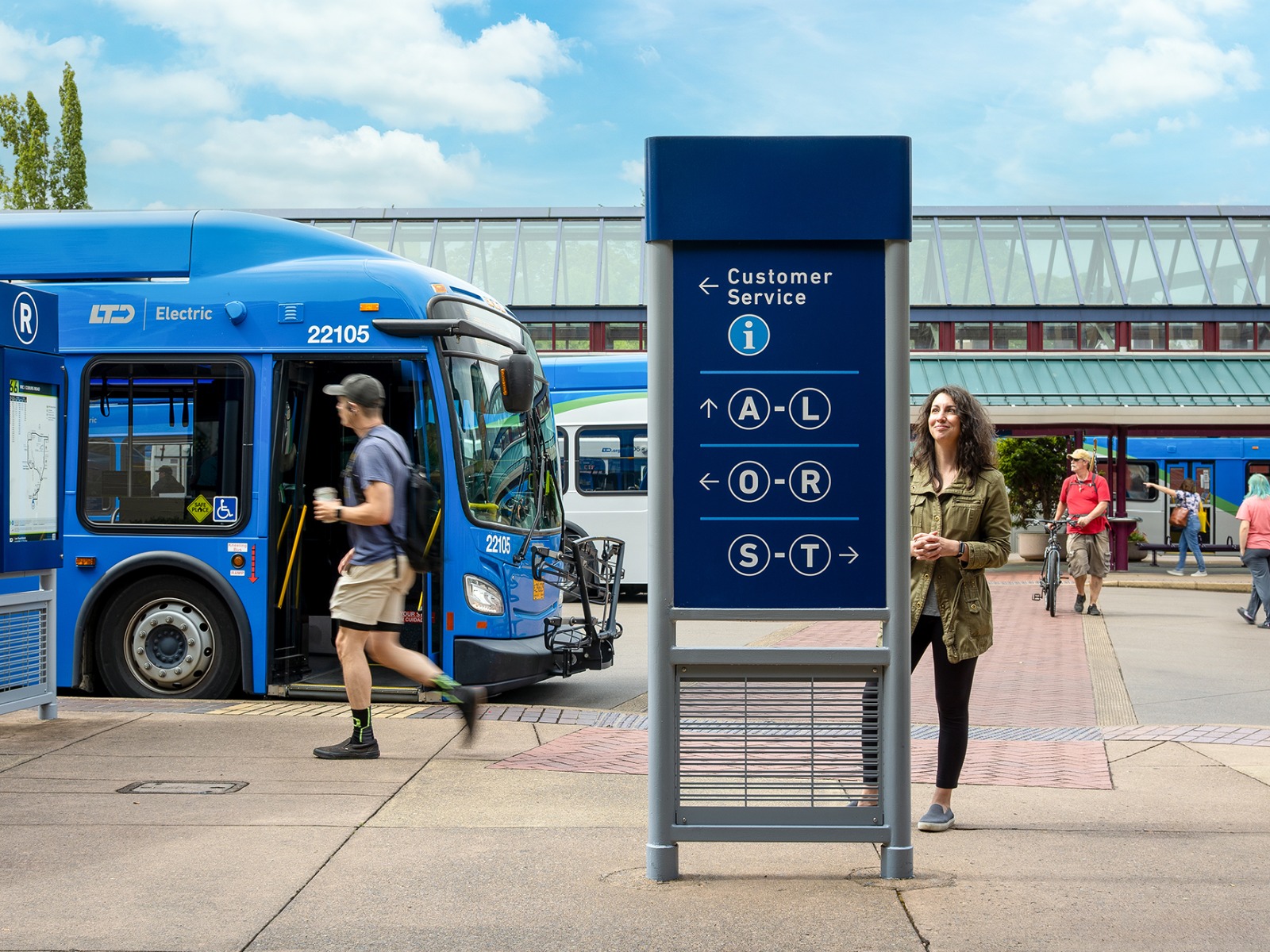
While you wait, check the bus stop sign to make sure you’re at the right stop. You’ll know you’re in the right spot when:
Getting on the Bus
You know where you’re going, how you’ll pay fare, and you’ve arrived at the bus stop. Now it’s time to board the bus and find a seat or handhold.
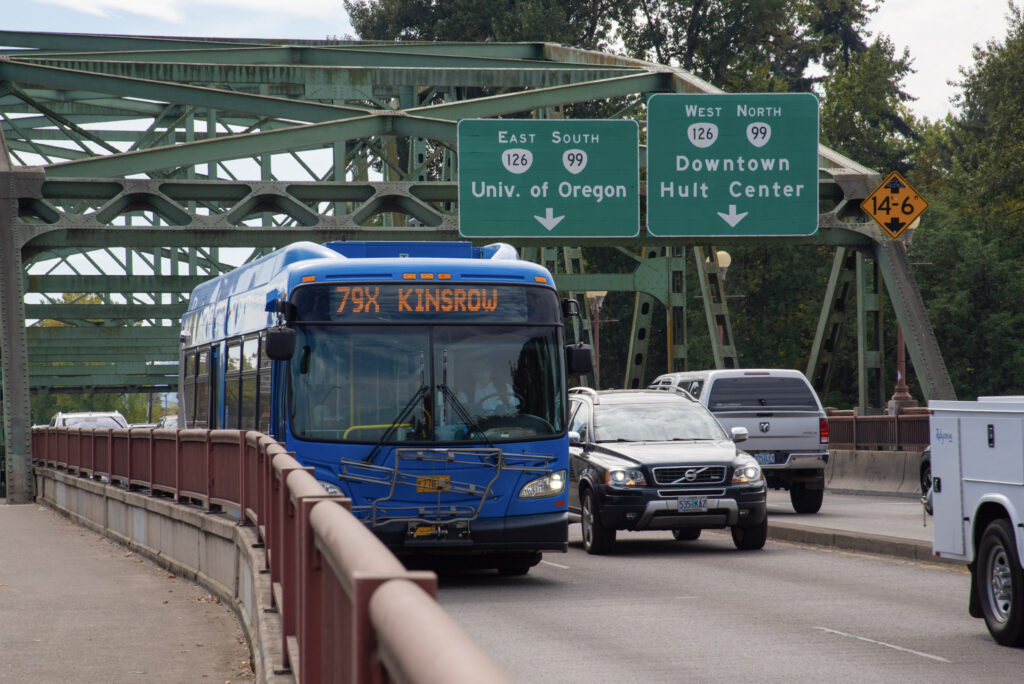
When the bus approaches, check the sign above the front. It shows the bus number and where it’s going. Several routes may serve one stop, so if it’s not the bus you want to board, just wave the bus by and wait for the correct bus. You’ll know it’s your bus when:
Transit App Tip
Track your bus in real time using Go mode.
When the bus arrives, get your fare ready and stay back from the curb until it stops completely. The bus operator will open the doors so you can board and pay fare. Greet the bus operator and scan your app, tap your Umo tap card, or give the bus operator exact change for a day pass. The bus operator can help if you have questions.
If you’re riding EmX, you won’t see the bus operator when you board, but fare is still required.
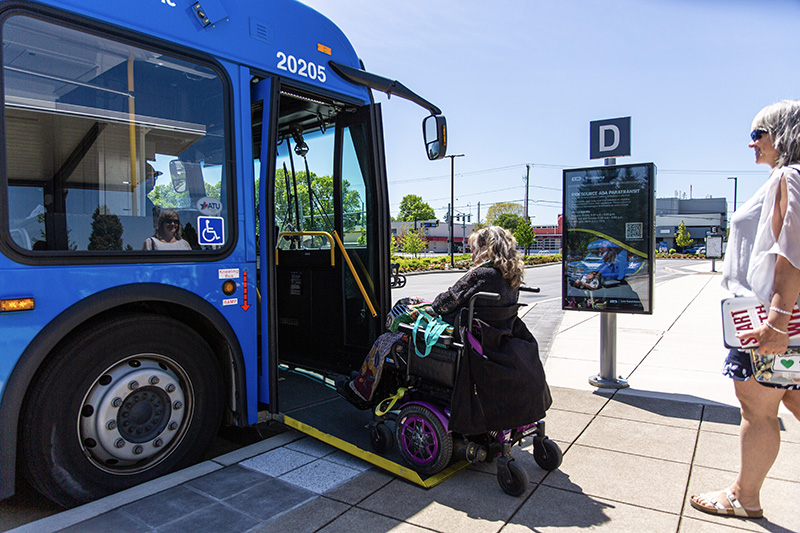
If you use a mobility device or prefer a lower step, you can ask the operator to lower the ramp. The front of the bus has designated seating for people with disabilities and older adults.
If you are traveling with a bike, you can secure it on the rack at the front of the bus. Follow the instructions on the rack or watch our tutorial video. On Emx, roll your bike on through the back doors.
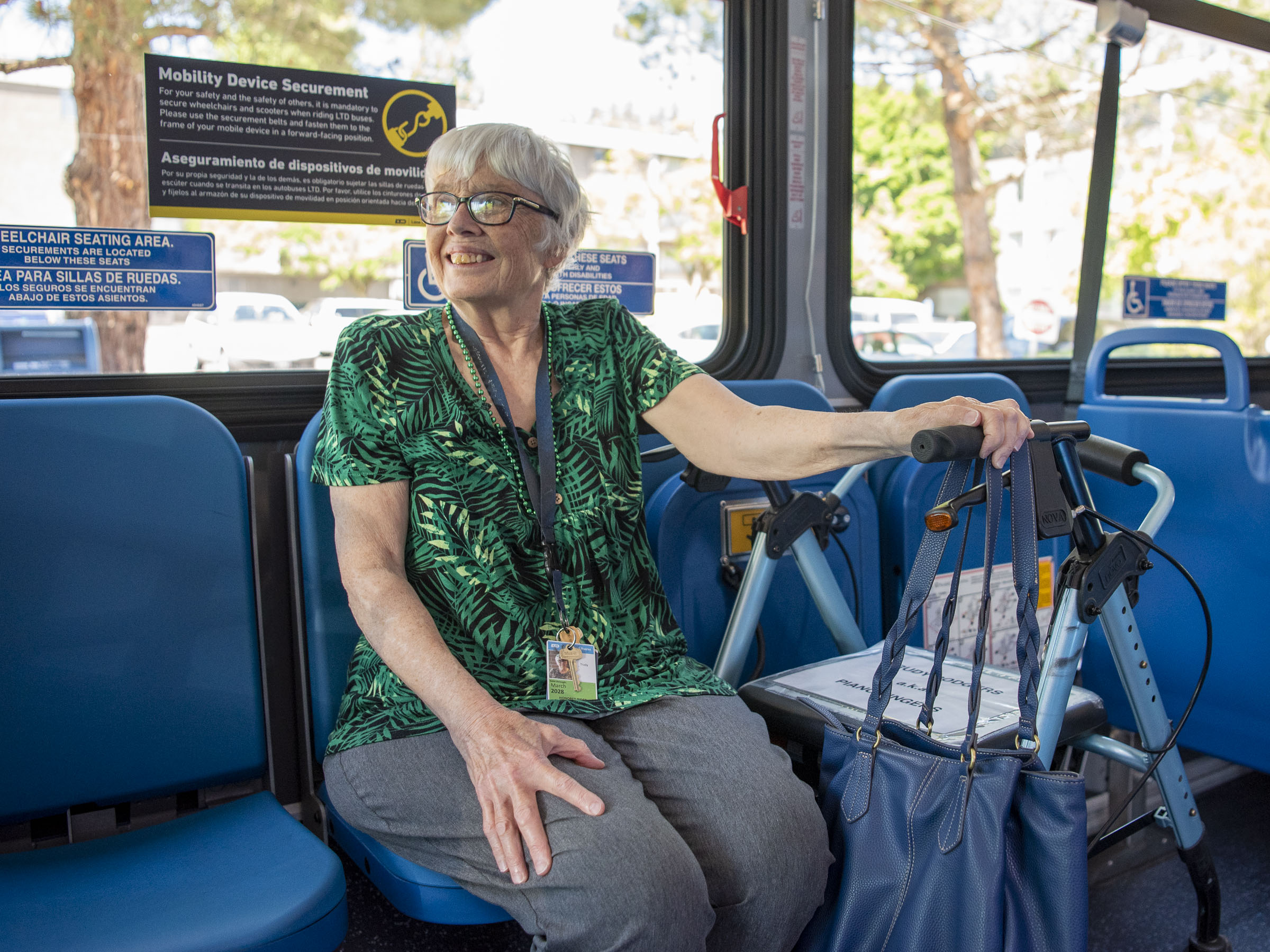
Choose any open seat. Please remember that the seats at the front of the bus are reserved for older adults and people with disabilities.
Standing is also allowed and might be necessary if the bus is full. Make sure to use the railings and handholds to stay safe when standing.
Transit App Tip
When using Go mode, tap the bus icon moving along the route to see how many seats are available in real time. You can help your fellow riders by reporting crowding in the app.
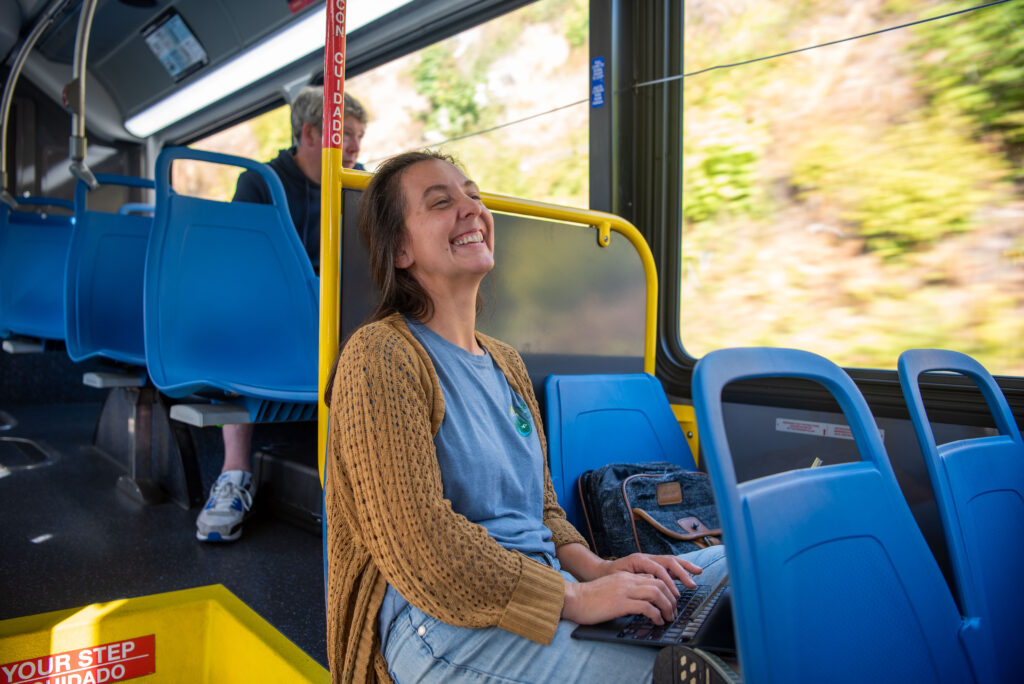
Enjoy the Ride
Relax and enjoy the ride. Stay alert! Listen and watch for your stop.
The bus doesn’t automatically stop at every bus stop, so it’s important to be aware of your surroundings, look out for landmarks, and listen for stop announcements.
Transit App Tip
Use Go mode to get notifications when your stop is coming up.
About one city block away from your destination stop, pull the signal cord above the windows or press the stop button on the handrails. That tells the bus operator to stop. As soon as you signal for a stop, gather your belongings and be prepared to exit through the rear doors to allow riders to board through the front.
Get off the bus at the next stop and walk back. Most routes are designed to travel back to the station they depart from, so you can also ride back to the station to catch another bus. If you’re totally lost, talk with the bus operator.
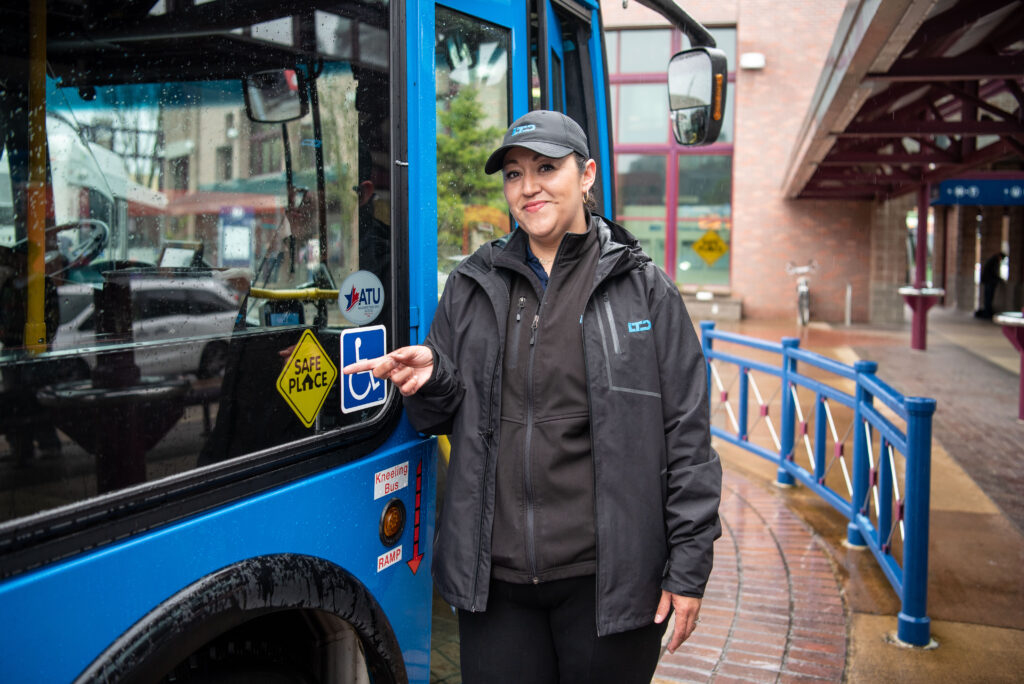
All LTD buses and stations are designated Safe Places for youth. For a young person navigating a crisis or feeling unsafe, an LTD bus is often the closest and most reliable place to turn. Buses are safe for adults, too! Public transit is ten times safer per mile than traveling by car. Bus operators are professionals with extensive training.
Learn More
For more details on boarding and safety, visit our How to Ride guide. We look forward to seeing you on board.